Problem
How do I cancel an Event?
Resolution
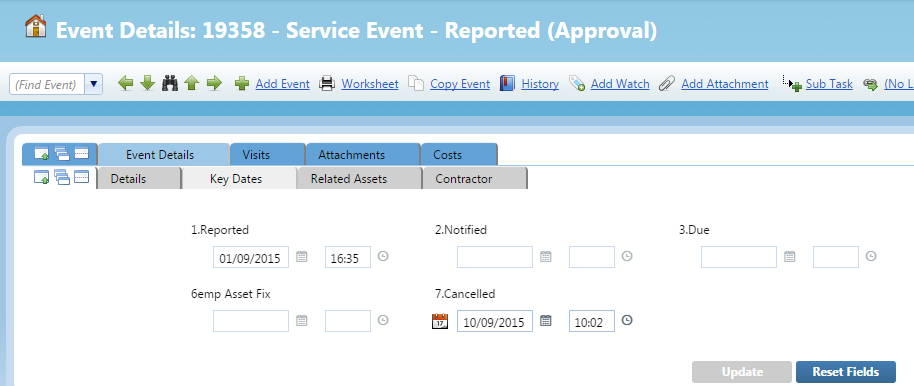
- To cancel an event in QFM Web you simply add a cancelled time into the Key Dates section of whatever event you wish to cancel and then click ‘Update’.

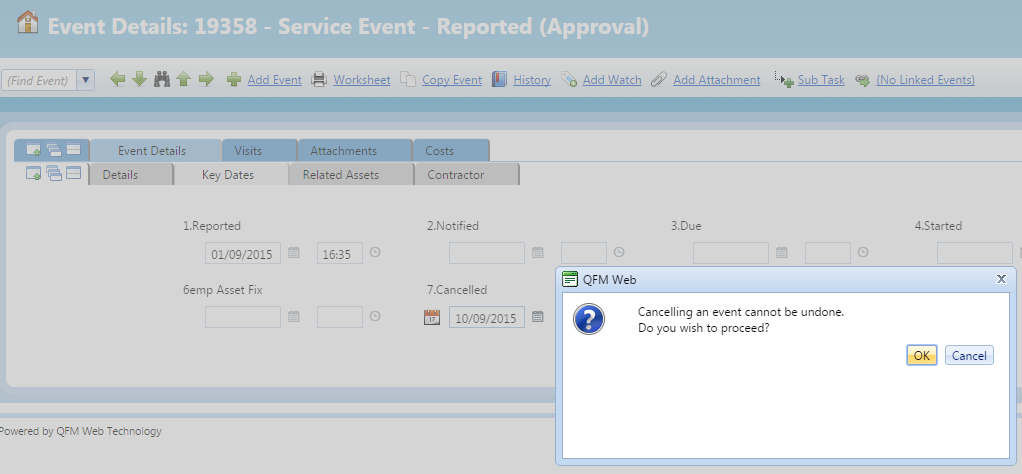
- You will get a pop-up message instructing you that once you cancel an event in QFM you cannot un-cancel it. Click ‘Ok’ to proceed and QFM will then cancel the event and in doing so set the status of the event to ‘Cancelled’.