Problem
How do I change the recipients of a Scheduled Report?
- Resolution
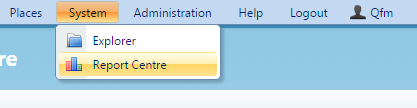
To change the recipients of a Scheduled report can be done in two ways; it depends on how the report was setup initially. If the report was setup with just one recipient then you can change the recipient by navigating to the report in the Report Centre.

- Click on the scheduled report you wish to edit and click through the setup until you reach the recipients. Once on this page you can edit the recipient.
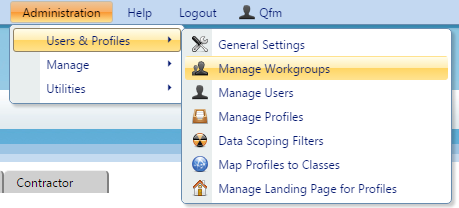
- If you have setup the Scheduled Report to use a workgroup then to change or add recipients to it you will have to navigate to ‘Manage Workgroups’ where you can configure this.