Problem
How do I disable automatically filling fields in QFM Web?
Resolution
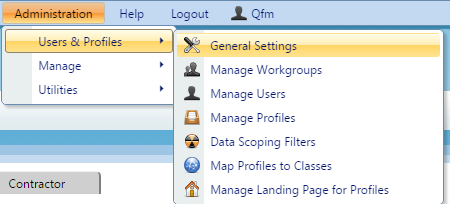
There are various fields that can be setup to fill automatically, based on selected data. The setting for this can be found on ‘General Settings’.
- To change these settings you must first log in as an Administrator on QFM Web.
- Navigate to ‘General Settings’.

- Select the User Class you wish to change the settings for, using the drop down at the top of the page. If you want to change the settings for everyone who uses QFM select the ‘Global User Class’.

- You will be able to change the settings for defaulting fields within ‘General Event Logging’.