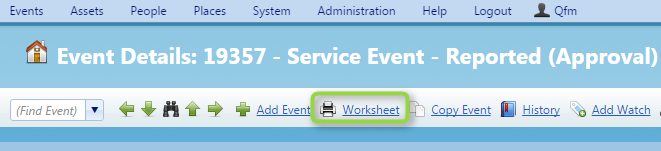
- To print an Event Worksheet on QFM Web navigate to the event you wish to print and click ‘Print Worksheet’.

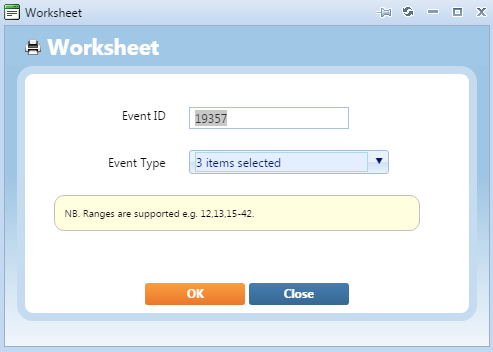
You will be presented with a pop-up window, click ‘OK’ on this and the worksheet will be downloaded.

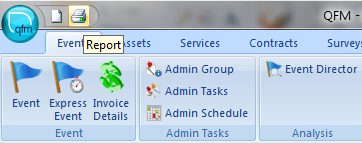
To print an Event Worksheet on QFM Desktop, navigate to the event you wish to print and click the printer icon in the top left.

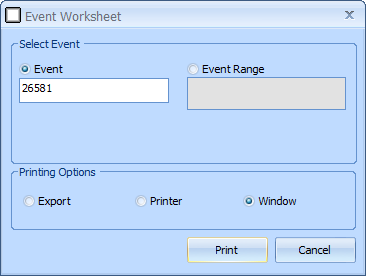
- You will be presented with a pop-up window, click ‘Yes’ on this and the worksheet will be downloaded to a report viewer and from here you can save it where you want.