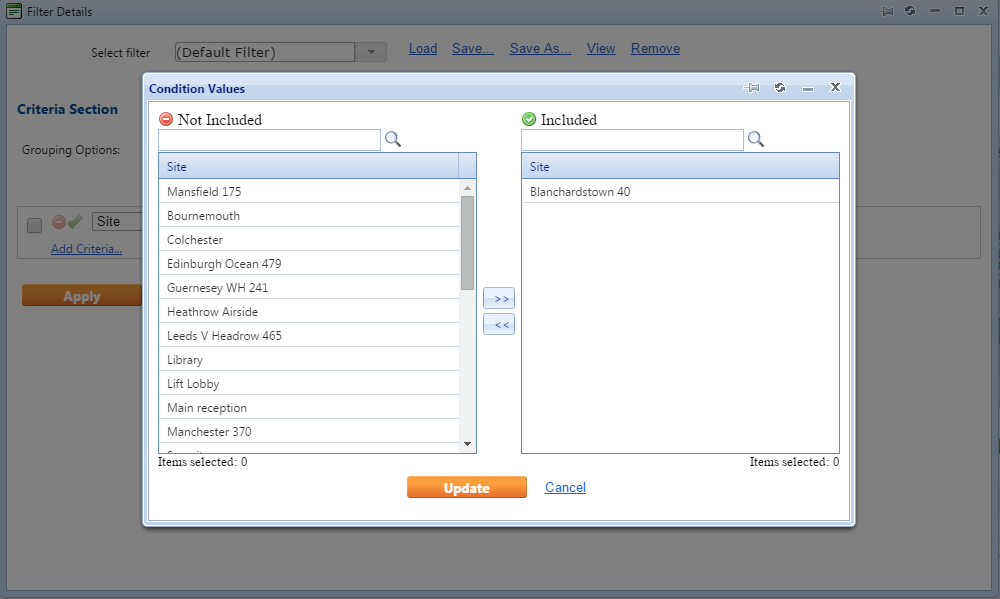
Data scoping restrictions can be enabled by User Class.
- Navigate to the Data Scope Filters. This can be accessed from the Administration menu option, Users & Profile sub menu.
- Select the Class you wish to maintain from the ‘Select Class’ drop down option.
- Select the entity you wish to restrict from the ‘Pick Filter Type’ option.
- Update the Included field and Excluded field using the arrows to maintain the data that should be accessible and restricted to users within the defined class.

- Click Refresh once complete.