- Navigate to the General Reference Data This can be accessed from the Administration menu, Manage sub menu.
- Select Schedule Template Defaults from the drop down option.
- Click the Edit icon for the PM Events.

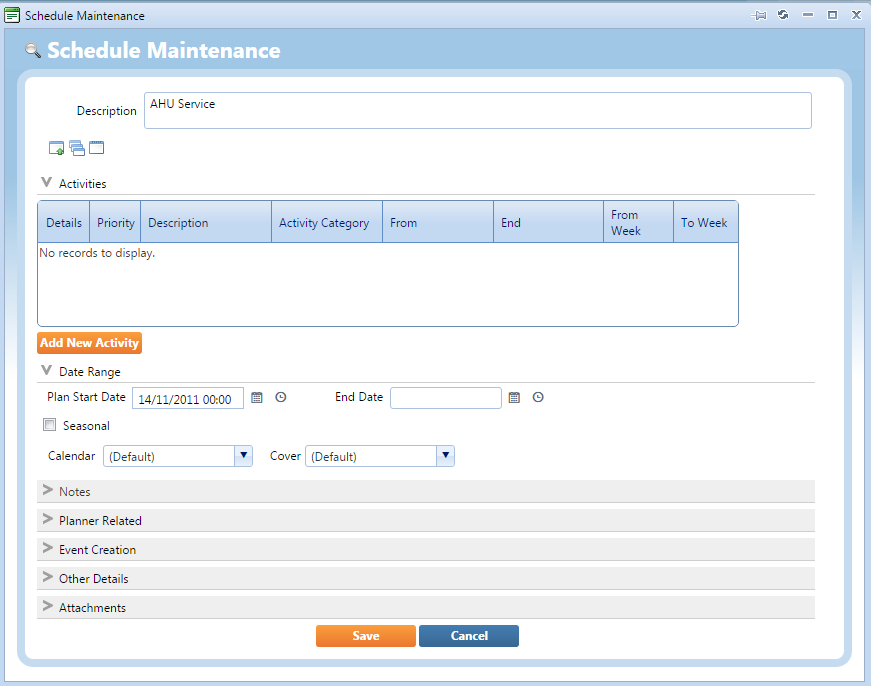
- Click the Change option to maintain the template.

- You can configure the template, once complete click Save.