- Navigate to the asset record by searching for the asset in the Find Asset screen. This can be accessed from the Assets menu.
- From the Asset Viewer click the Schedules.
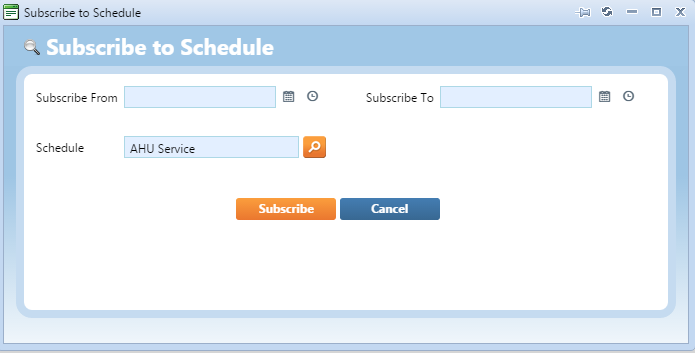
- Click the Subscribe to Schedule.
- Click the lookup option to search for an existing schedule to subscribe the asset to. Select the schedule.

- Add date and time options in the Subscribe From field and if required the Subscribe To field.
- Click Subscribe to save.