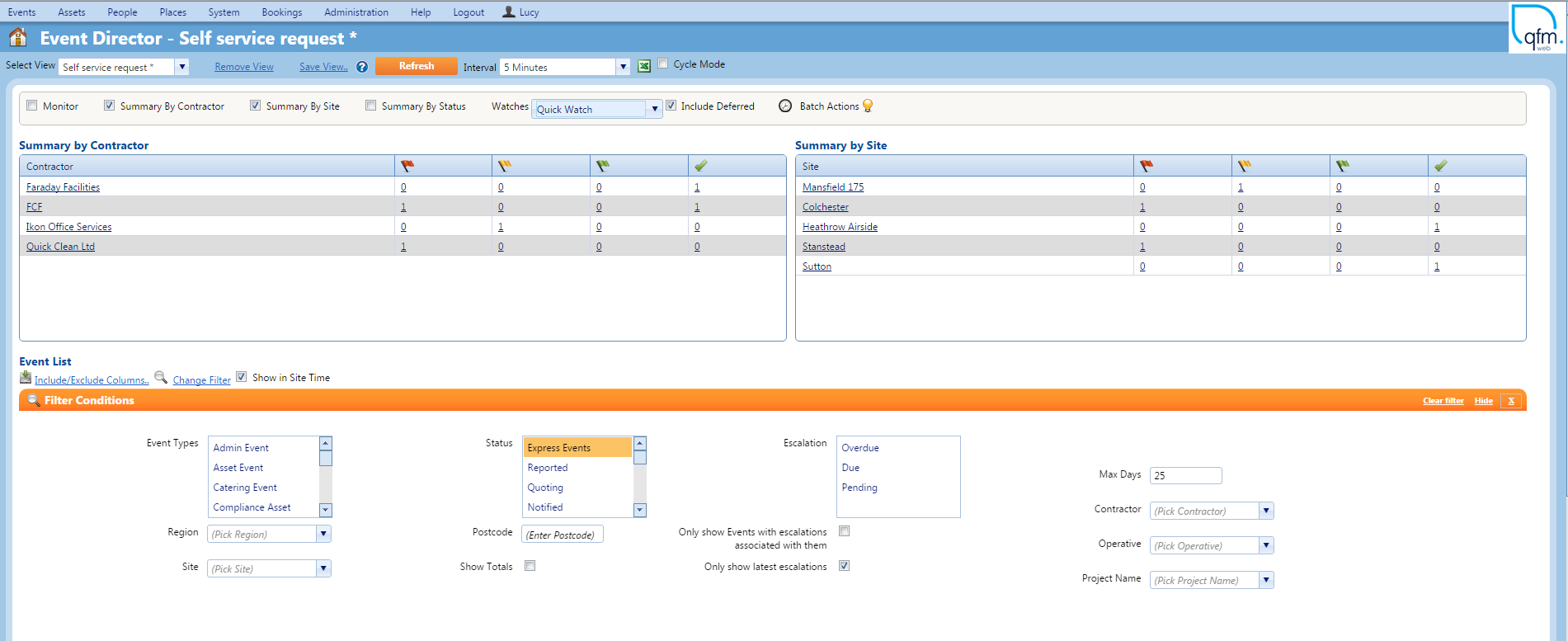
- Navigate to the Event Director This can be access from the Events menu option.
- Click the Change Filter A number of filter options will display.
- Enable filters as required by highlighting options from Event Event Types or Status fields. Alternatively, filters can be enabled from drop down options.

- Click the Refresh button to apply filters.