It is possible to create filters in the Schedule Planner for example to display all Planned Maintenance schedules for a particular site.
- Access the Schedule Planner from the Events menu option.
- Click the Filter option to add a filter.
- Click the Add Criteria From the drop down list select Site.

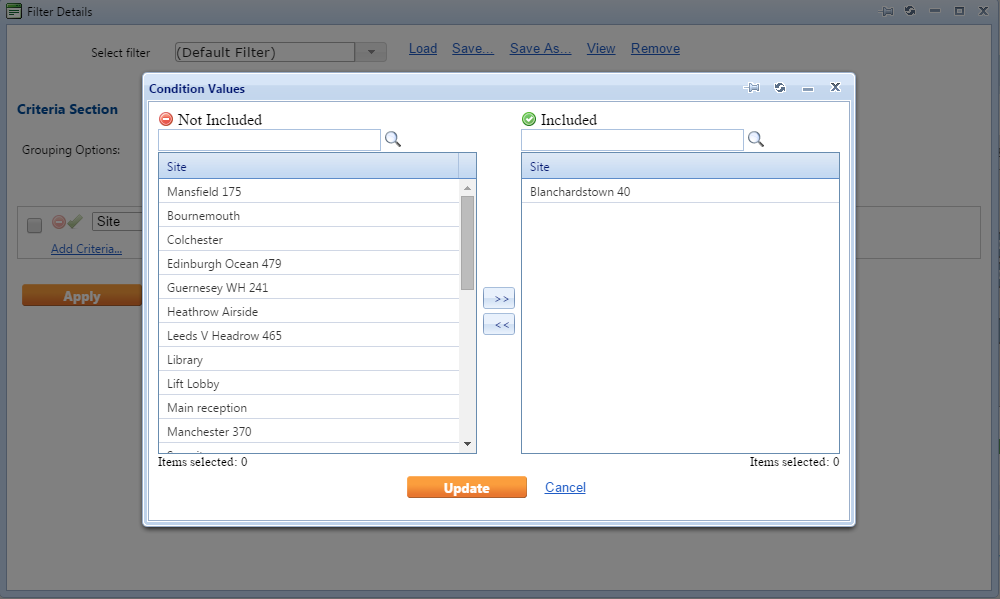
- Select the orange lookup option.
- Add the site/s you wish to filter by to the Included field.
- Click Update.
- Click Apply to enable filter condition.