




If a user encounters the system message “The user account specified is no longer active” when attempting to log in to QFM, a QFM administrator must reinstate the account to allow the user to log in successfully.
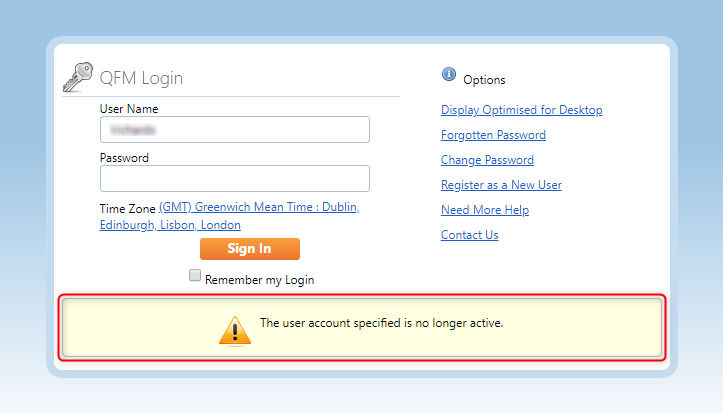
- To reinstate an expired user account, access Administration > Users & Profiles > Manage Users, then search for the User record.
Note: Make sure the Active Only box is unchecked.

- In the Status column you should then be able to see an option to Reinstate User. Once you have selected this option, it should change to Expire User. The User’s account will now be active, and they should be able to login.



